The buttons are on your iPad. The work happens on your Mac.
Treadle turns an iPad into a control panel for your Mac. Tap a button and it fires an action over your local network — adjust volume, snap a window, run your tests. No cloud, no account.
Version 0.3.1 · 44.6 MB (46,792,864 bytes)
Apple silicon Mac, macOS 14.0 or later. Free tier plus a one-time purchase.
- Notarized
- Signed with a Developer ID and notarized by Apple. It opens like any Mac app.
- Local network only
- The iPad talks to the Mac over your LAN. Nothing leaves your network.
- One purchase
- A one-time price with two years of updates. No subscription.
- Updates itself
- A quiet background update, the same as any other Mac app.
From download to first press
- 1
Install
Drag Treadle to your Applications folder and open it. It lives in the menu bar.
- 2
Grant three permissions
Accessibility, Screen Recording and Automation — the app checks each one and tells you if it is missing.
- 3
Pair the iPad
The Mac shows a six-digit code. Type it on the iPad once, and it is paired.
The iPad never sends a command. It sends the name of an action — like mic-mute — and the Mac looks that name up in a fixed list it controls, then runs it. Nothing you tap can reach a shell.
What a button can do
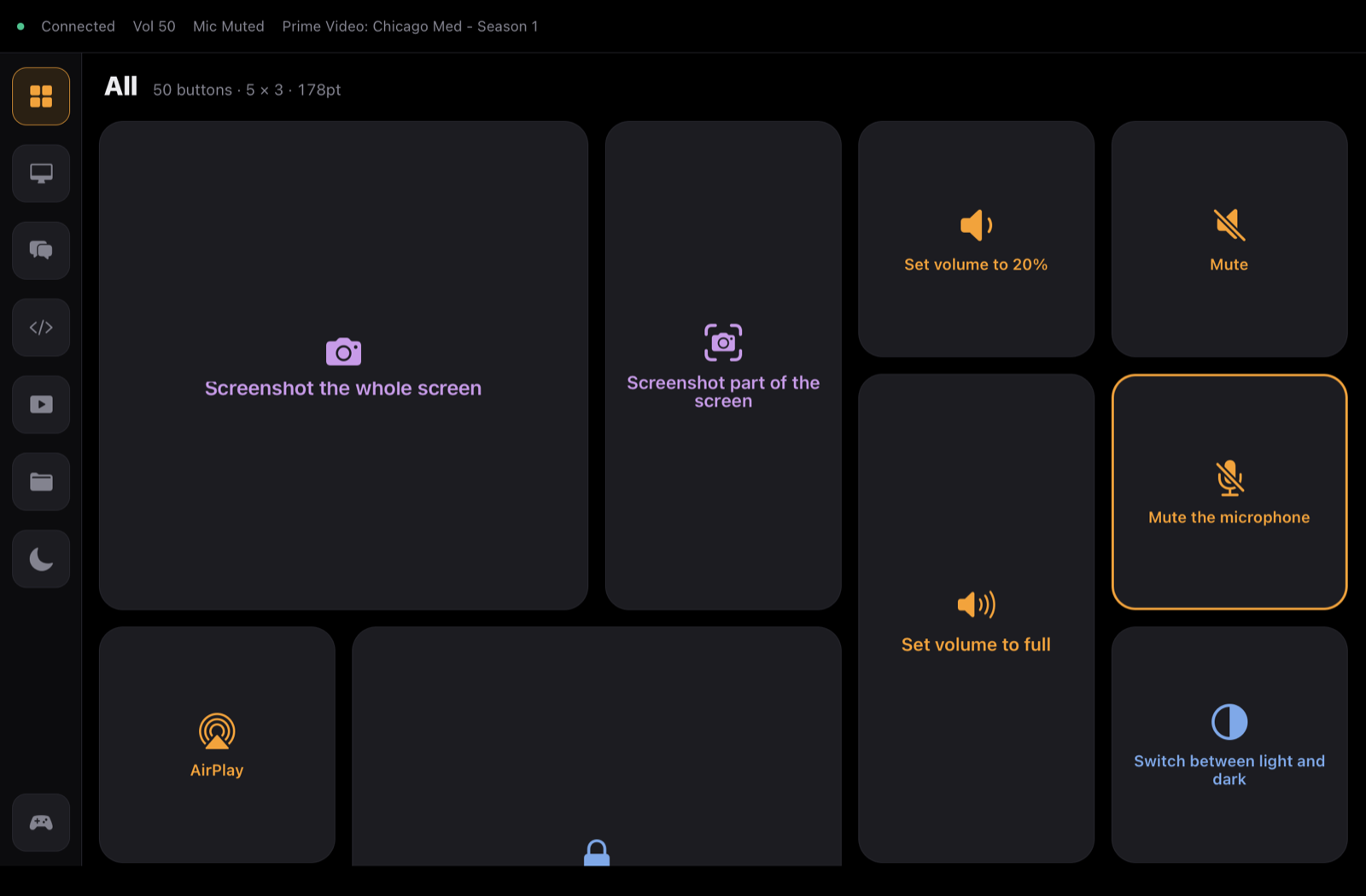
Six kinds of action, out of the box. Anything you can build in the macOS Shortcuts app becomes a button too — included in the free tier. A tile can also be a level, a prompt or a toggle, not just a plain press.
- Audio
- Volume, mute, mic mute, switch output device
- Media
- Play/pause, next, previous
- Windows
- Left half, right half, maximise, centre, next display
- Apps
- Launch or focus the apps you use most
- Focus
- Deep Work on/off, Do Not Disturb
- Dev
- Start the dev server, run tests, open the repo
A column that does things, not just shows them
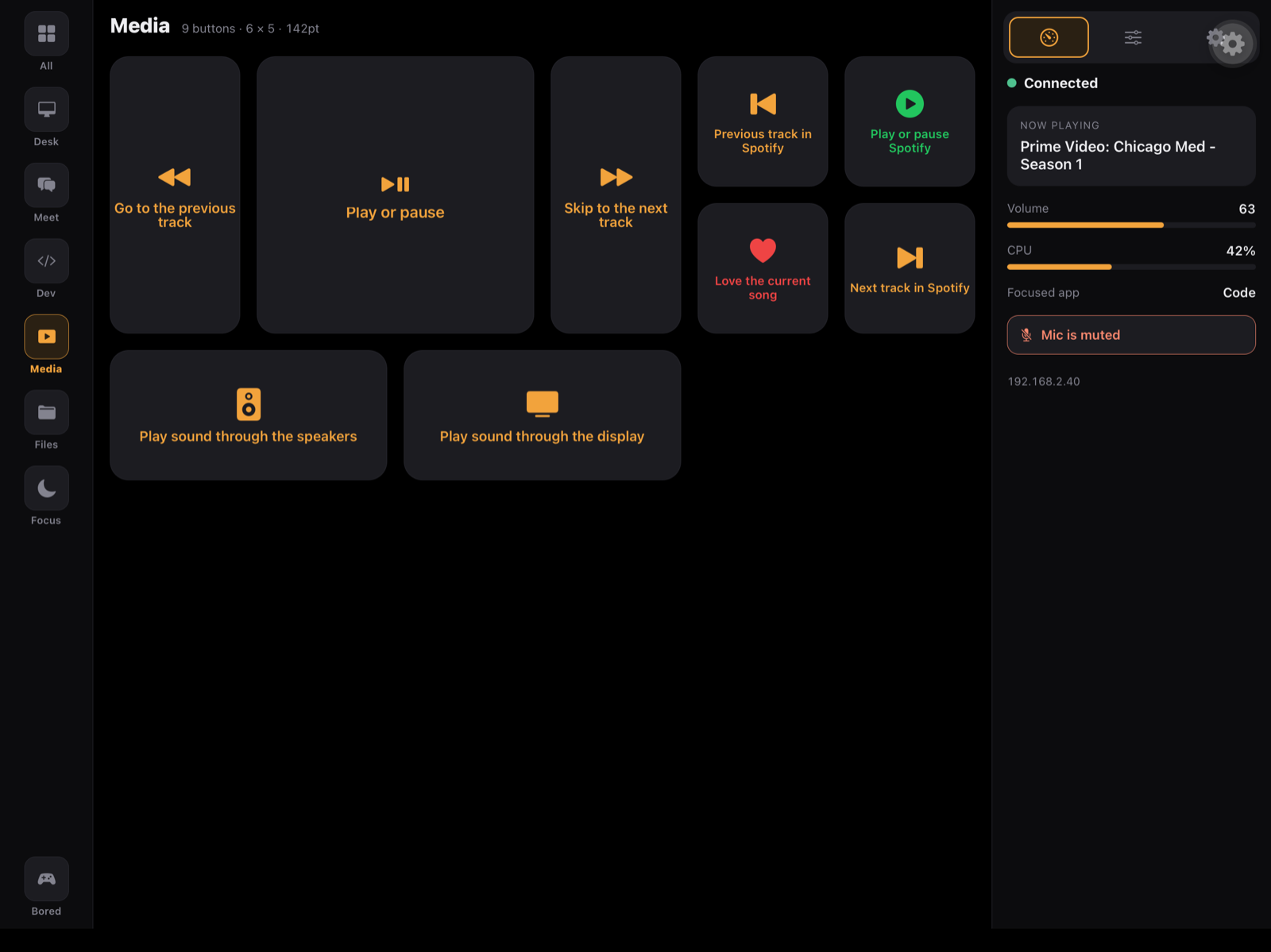
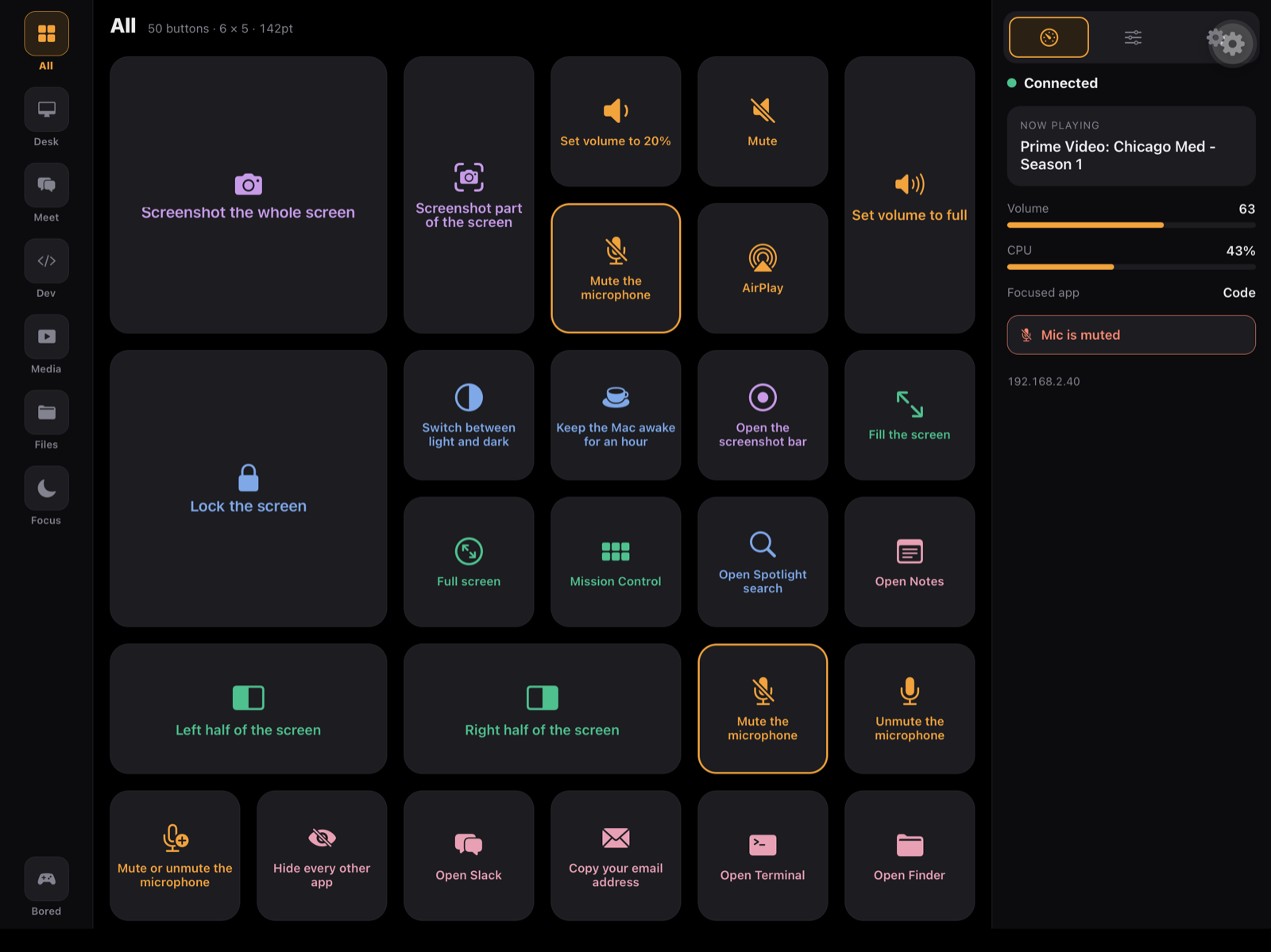
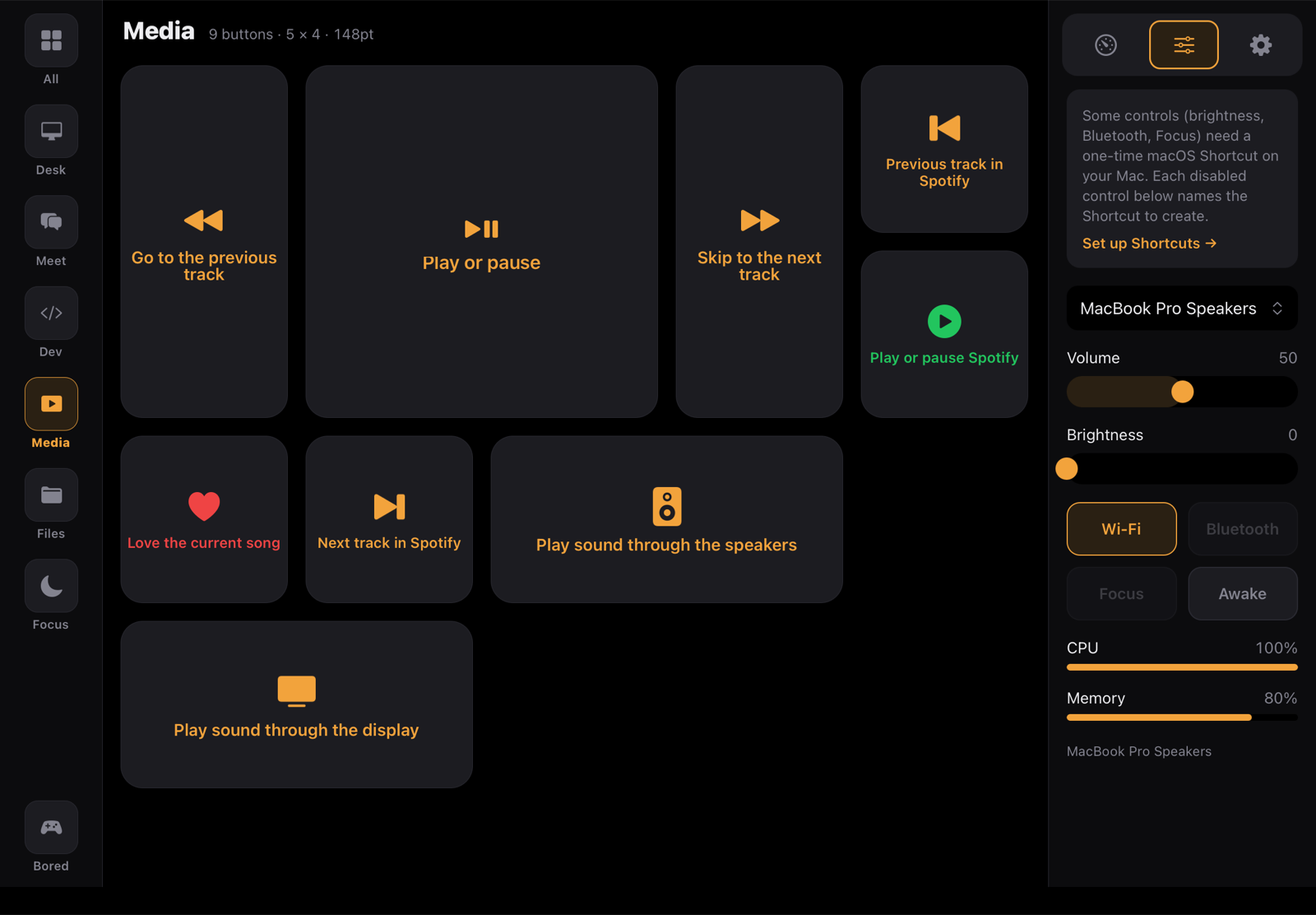
Beside the grid, a panel with three tabs. Status is a glance — connection, now playing, output, CPU, memory. Controls reaches into macOS: output device, volume, brightness, Wi-Fi, Focus, caffeinate, and the apps running right now, each quittable. Settings is this iPad’s own — it never edits the Mac.
A slider never queues: it coalesces and sends the value you landed on, so dragging it can’t delay a button press. A control the Mac can’t do is shown disabled, with the reason — never a widget that moves and does nothing.
Buttons come in four sizes
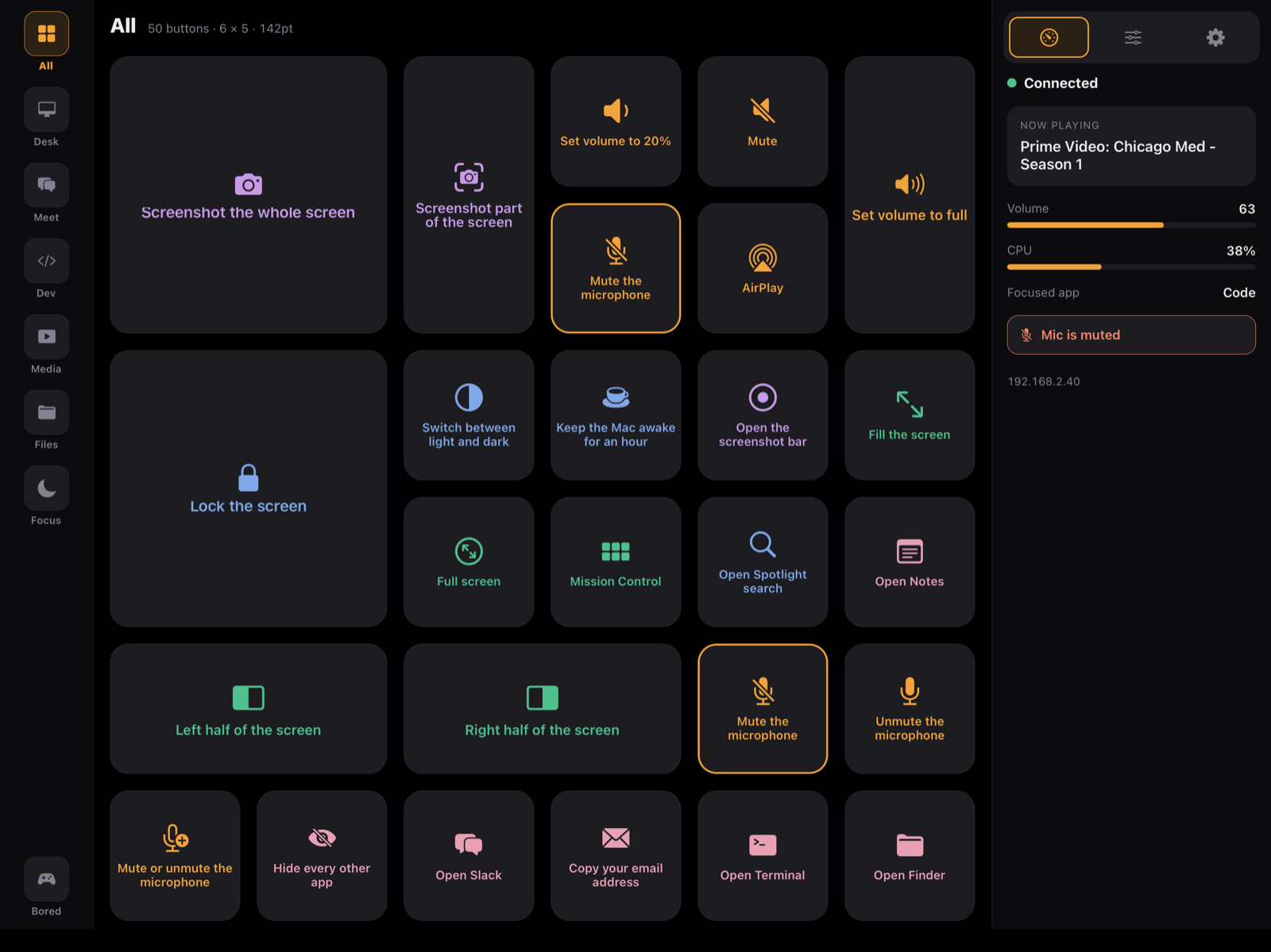
A tile can be 1×1, 2×1, 1×2 or 2×2. A bigger tile isn’t a stretched one — it’s room: a name beside the icon, a live value, a vertical meter, or a now-playing block. You draw the size on a little grid in the Mac editor; the iPad lays it out exactly the same way.
Any iPad you already own
Tiles are sized by the screen’s pixel density, not its width, so a button feels the same size under your finger on an iPad mini as on a 13-inch Pro.
And every device can have its own layout — its own buttons, sizes and order. A deck packed with big 2×2 tiles on a 13-inch Pro can be trimmed to the essentials on an iPad mini, where that tile takes a bigger share of the screen. Edit one device and the others stay exactly as you left them; the Mac editor previews each one as it will actually look.
- iPad Pro 12.9″ / 13″
- 1366 × 1024 pt — the full panel, about four Stream Decks
- iPad Air / Pro 11″
- 1180 × 820 pt — all three columns
- iPad mini
- 1133 × 744 pt — denser, tiles resized so they feel the same
Why it’s a download, not an App Store app
Treadle runs the actions you set up — driving other apps, moving windows, taking a screenshot. The Mac App Store requires apps to run in a sandbox that blocks exactly those things. So Treadle ships the way Mac utilities like it always have: a signed, notarized download, straight from here. You get the first press without an account, and updates arrive on their own.